The blank page no longer exists.
Describe the document you need, or start from one of 75+ ready-to-use templates: AI writes a complete first draft, laid out, with your variables already in place.
Describe it, it's drafted
No more starting from a blank page. Describe the document in one sentence — a service agreement, an engagement letter, meeting minutes — and AI generates a complete, structured first draft ready to adjust.
- One sentence is enough. No form to fill in — a plain-language description, the way you'd say it to a colleague.
- Automatic structure. Headings, sections, layout: the AI structures the document the way a professional would.
- Ready to adjust. A complete first draft, not an empty shell — editable like any other document.
A plan before the drafting
For reports and contracts, the AI first proposes the document's structure — the sections, in order — before writing anything.
- Nothing is set in stone. One sentence is enough to reorganize, add or remove a section before generating.
- The result follows the plan. The first draft matches exactly the structure you approved — no surprises.
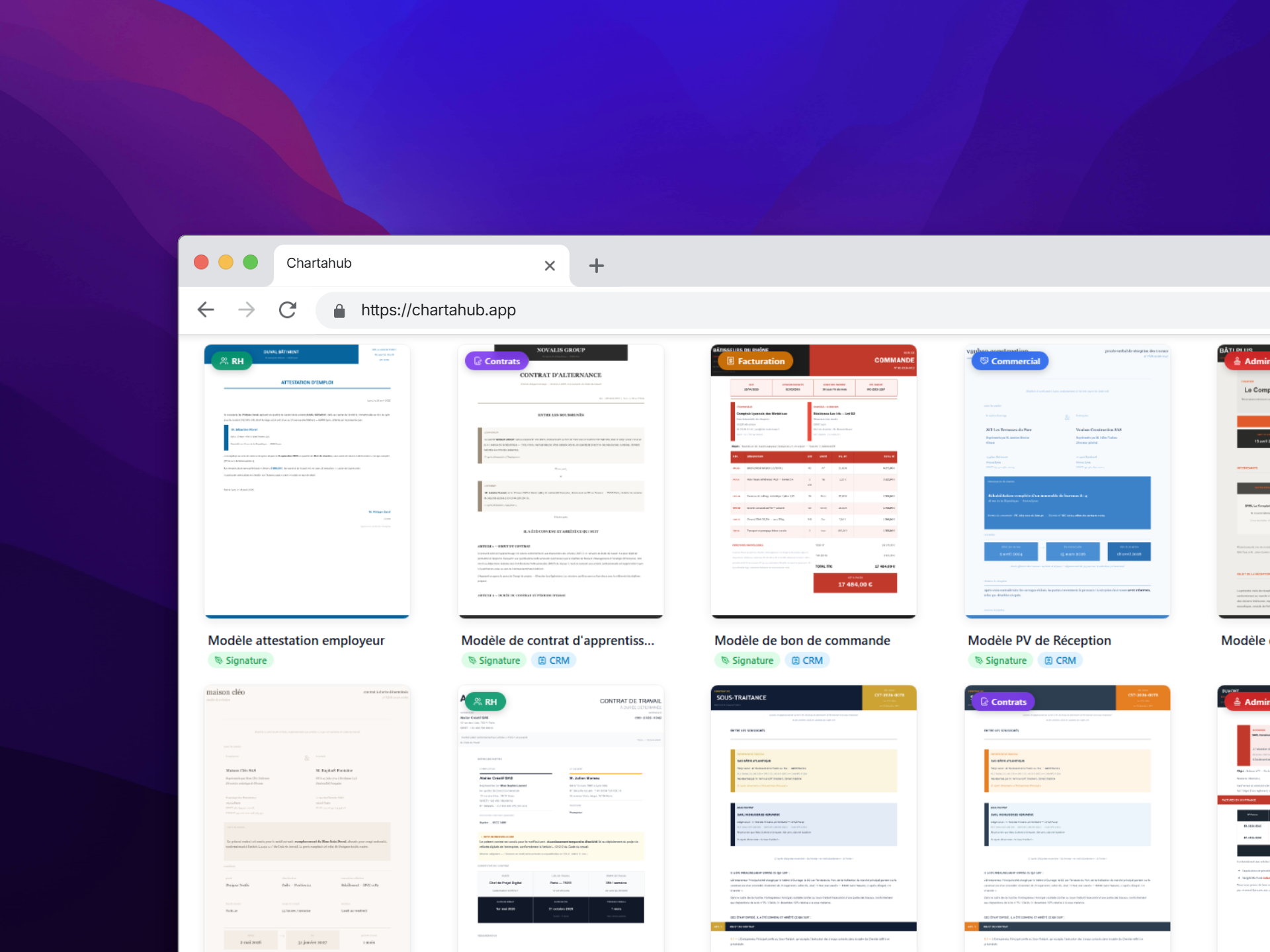
The right template, without ever searching for it
And many more — new templates added regularly.
Contracts, HR, invoices, reports: a template library covering the most common business documents, already laid out and customizable in a few clicks.
- Search & categories. Filter by area — contracts, HR, invoicing, administrative — or search directly by name.
- Ready to use. Layout already done, variables already spotted: one click to start, not another blank page.
Frequently asked questions
Do I always start from a blank page?
No. You can describe what you need in plain language, or pick from more than 75 ready-to-use templates. Either way, you get a complete, editable document, not an empty shell.
Is the generated document really usable as-is?
AI produces a structured, laid-out first draft with variables already spotted (name, amount, date...). You review and adjust it like any document in the editor — it's not a black box.
What happens if I need to generate the same document several times?
The document becomes a reusable template: its variables are already identified, just fill them in for each new case. No more starting every contract from scratch.