Your word processor hasn't changed in 20 years. The way you write, has.
An editor built for business documents: real A4 layout, reusable variables, AI at the heart of the writing and real-time collaboration.
Write, or compose
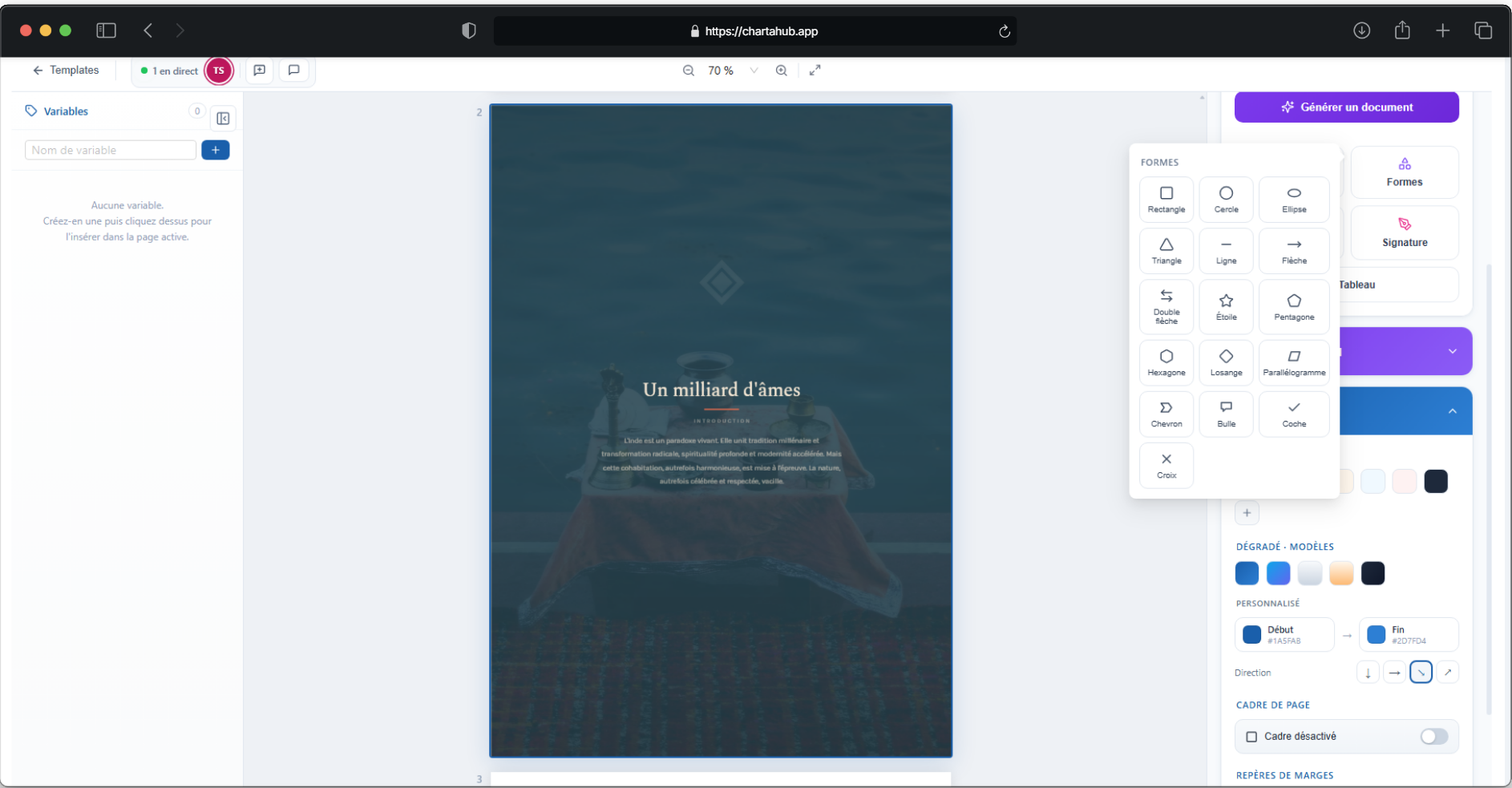
Not everything is written the same way. Sometimes you just need to draft — and sometimes the layout is the document, even for a simple certificate. The classic editor for text; the canvas editor to compose freely what a standard word processor will never let you do. Same variables, same AI.
Write with AI, not instead of you
Select a passage: reformulate, shorten, fix or switch to a formal register — the AI rewrites before your eyes and you decide whether to replace it.
- You stay in charge. Every suggestion shows up before it's applied: replace, insert… or reject.
- The "/" that drafts. Type / in the text to compose a whole section from a simple instruction.
- Or generate the whole document. Describe what you need and the AI drafts it end to end.
Variables, hence templates
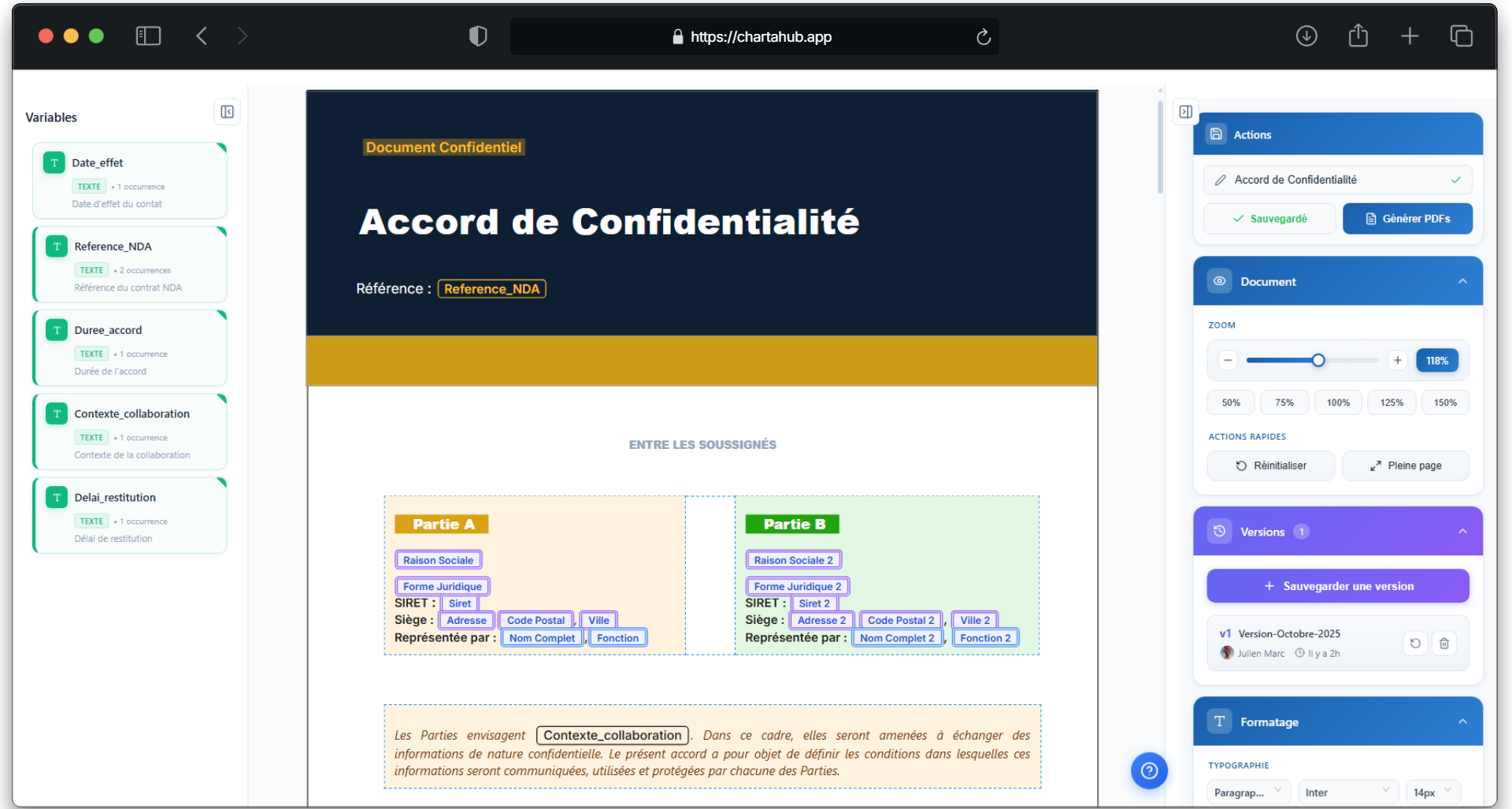
A document with variables is a reusable template: write it once, and the next one takes a few fields instead of a full re-read. Every occurrence fills in at once — no find-and-replace, nothing missed.
- Simple and typed. Text, number or percentage — placed once, filled everywhere at once.
- Calculated by formula. = amount × 1.20: the total incl. tax computes itself from the other variables.
- CRM: filled from the record. Name, company ID, address… pulled automatically from the linked contact or company — zero retyping.
A template that adapts, not ten copies
A passage that only applies to a fixed-term contract, an identical confidentiality clause in fifteen contracts: instead of duplicating the template, set the rule once. The generated document keeps only what applies, and your clauses stay up to date everywhere.
- Conditional clauses. A passage shows or hides depending on a variable's value — removed on its own from the generated document otherwise.
- Clause library. Written once, inserted in all your templates: edit it in one place, it is up to date everywhere.
- Pinned versions, never blind. Pin a version in a template if you must: an indicator warns you as soon as the clause has changed.
 Marie Dupont
 Jordan Costa
Versions, not doc_final_v2
Before a big change, save a named version: the document becomes impossible to break. Every version keeps its author and date, and restores in one click.
- Named save points. "Before header redesign", "Client-approved version"… you know exactly where to go back.
- Risk-free restore. A backup of the current version is created automatically before every restore — nothing is ever lost.
- A version at every approval. Approve or publish: the official state of the document is archived on its own, with author and date.
Together, at the same time
Write together on the same document: everyone sees each other's cursor, changes arrive live and comments get resolved in place.
- Named cursors. Each person has a color: you see who's writing what, where, in real time.
- Comments and mentions. Comment on a selection, mention a colleague with @ — everything resolves inside the document.
Send for signature, without leaving Charta
The finished document goes out for signature straight from the editor. You track who opened, who signed, who's dragging — and the signed document files itself back, with its proof of signature.
See electronic signatureFrequently asked questions
Can I import my Word documents?
Yes. Import a .docx: it's converted into an editable document, formatting included, and gets everything else — variables, AI, collaboration, PDF export.
Does the AI write instead of me?
No. It suggests: reformulations, fixes, sections generated on demand — every suggestion shows up before being applied, and you can always reject it.
Is the on-screen rendering faithful to the exported PDF?
Yes. The editor paginates the document into real A4 pages, with headers and footers: what you see is what gets exported.
Can several people write at the same time?
Yes, collaboration is real-time: named, colored cursors, instant changes, comments with mentions.
Can I reuse the same clause across several templates?
Yes. The clause library centralizes your recurring passages: a clause inserted in several templates is edited in one place and updated everywhere. You can also pin a version in a given template — an indicator warns you if the clause has changed since.
Anyone following up with the client this week?